Digital loyalty tools to grow your business
Launch a stamp or points card in minutes. Customers add it to Apple Wallet or Google Wallet, and rewards, updates and offers on their lock screen keep them coming back.
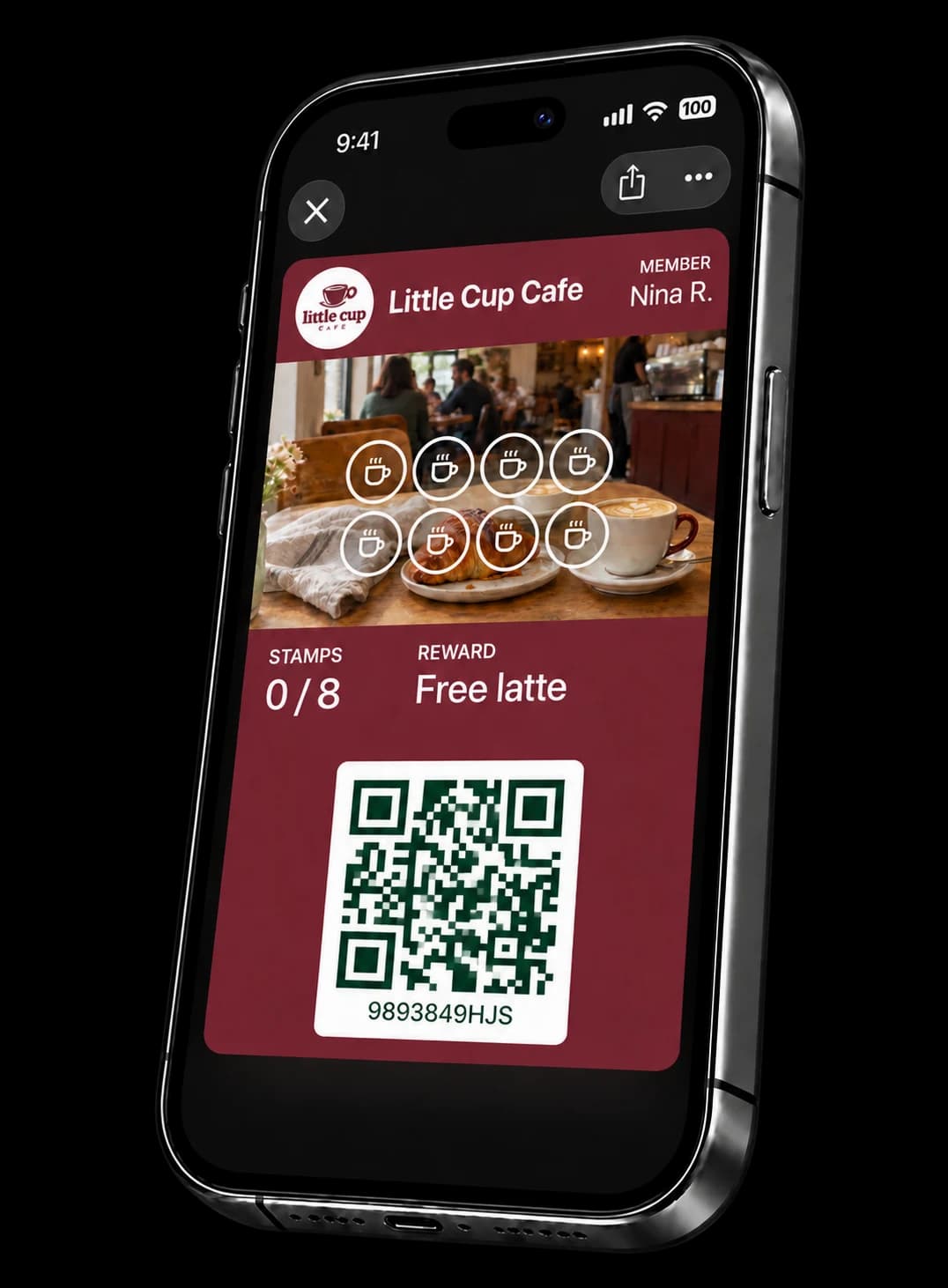
You've earned a stamp
20% retail coffee today only
Your rules, your rewards
Choose a stamp or points card, then set what customers earn and what they win
Know who comes back
See who comes back and what they earn
Real-time notifications
Progress updates and promotions land right on customers' lock screens, and Apple Wallet or Google Wallet can bring up their card nearby
From first scan to repeat visit
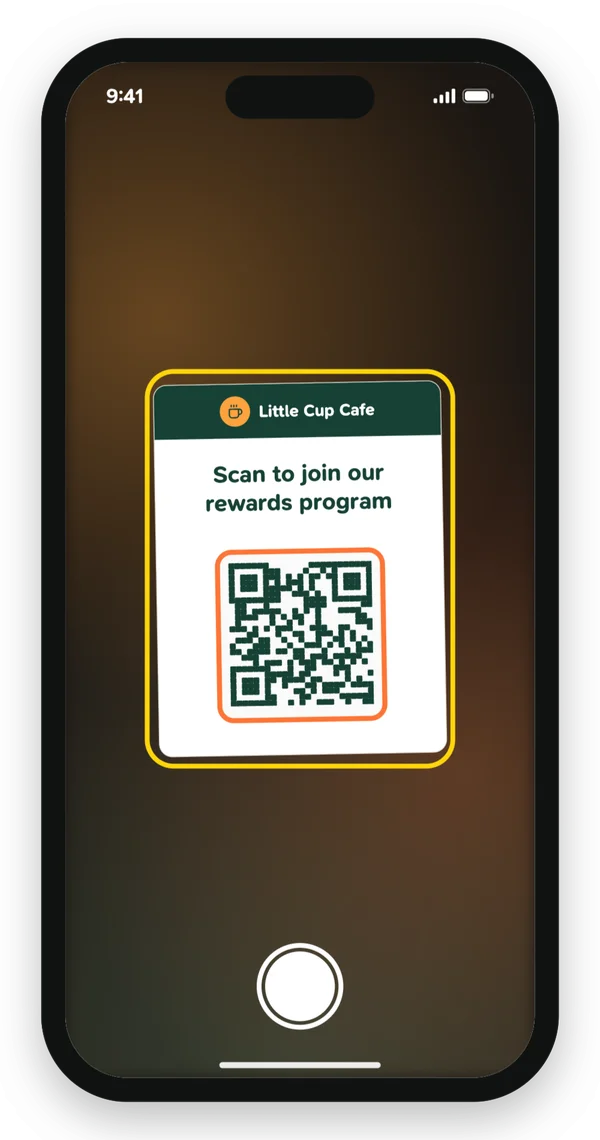
Customers join from one scan
They scan your code and your card lands in their wallet
Everything a loyalty program needs. Nothing it doesn't.
In their wallet
Customers add your card with one scan and find it next to their cards and boarding passes.
No download
Nothing to install before the first stamp or point.
No developer
Set up your card, your rewards and your storefront yourself, in minutes.
Local businesses do more than sell products
They give neighborhoods character, create everyday connections, and make the places we live feel like home
Good questions. Clear answers.
Do my customers need to download an app to get started?
No. They scan your QR code and the card is added to Apple Wallet or Google Wallet. They don't need to install anything or set up a password.
Do I need a developer or any technical skills?
No. You set up your card, rewards and storefront from your browser or phone. There's nothing to code and nothing to connect to your register.
Which wallets does it work with?
Apple Wallet on iPhone and Google Wallet on Android.
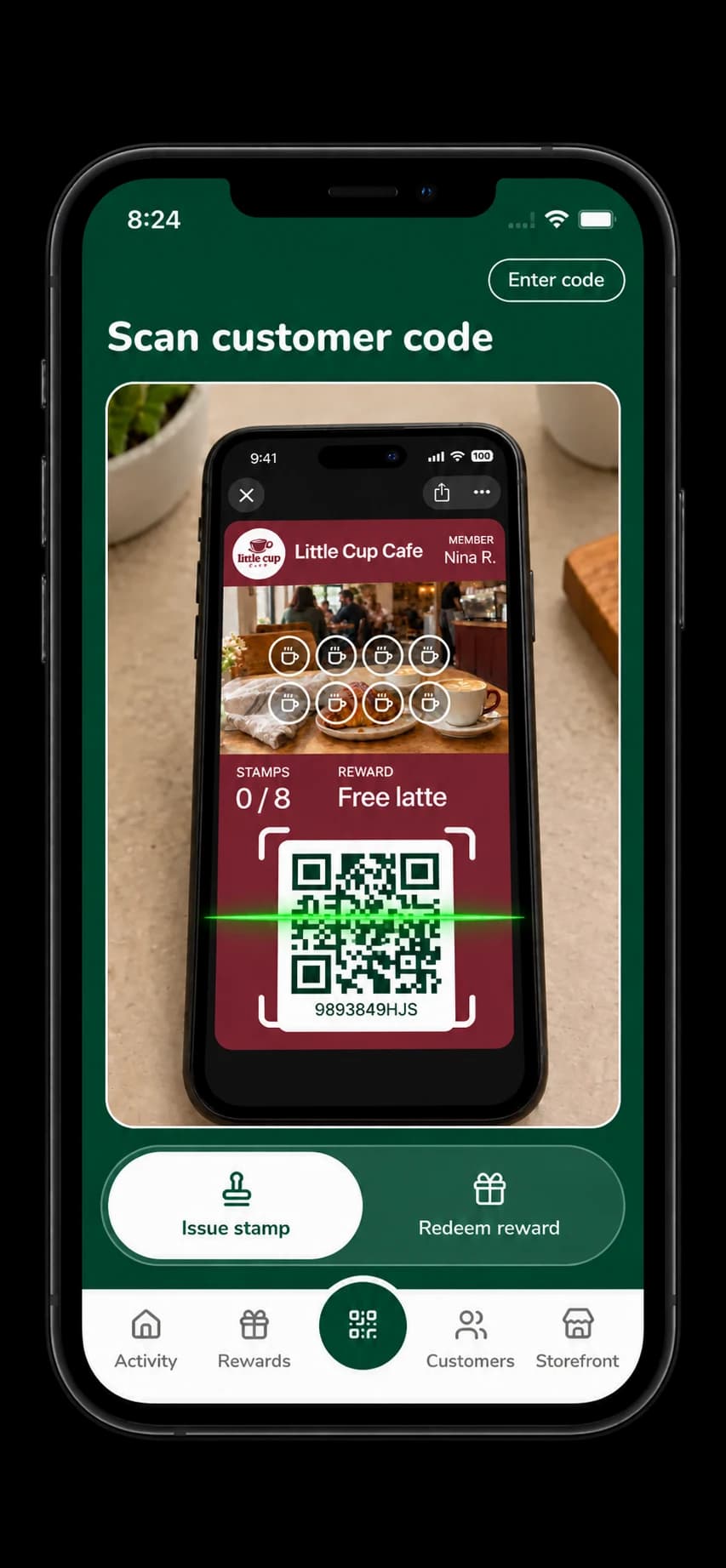
How do I give out stamps or points?
Open Rambla and scan the customer's card. On a stamp card you tap to add a stamp. On a points card you enter the purchase amount and the customer earns points. You can redeem a reward the same way.